.png)
new Smart Issue Templates for Jira Cloud 🌟
Release Date:
Platform: Cloud
Version: 25.0.0
Release notes:
new Customizable columns - unlocked on Manage Templates- choose which columns you see, reorder and resize them, and keep your layout saved. Reset anytime to return to the default view. 🚀
What’s New
Manage Templates now includes full column customization for Issue Templates:
-
Columns - show or hide fields in the list
-
Reorder - drag headers or use the
⋯menu on a column -
Resize - drag the border between headers
-
Saved layout - your preferences persist for your user
-
Reset - restore the default table layout in one click
For more detail and practical tips, visit our docs: Manage Templates - column customization 📖 .
🎥Video Demo
Watch it in action: a quick tour of column customization on Manage Templates!
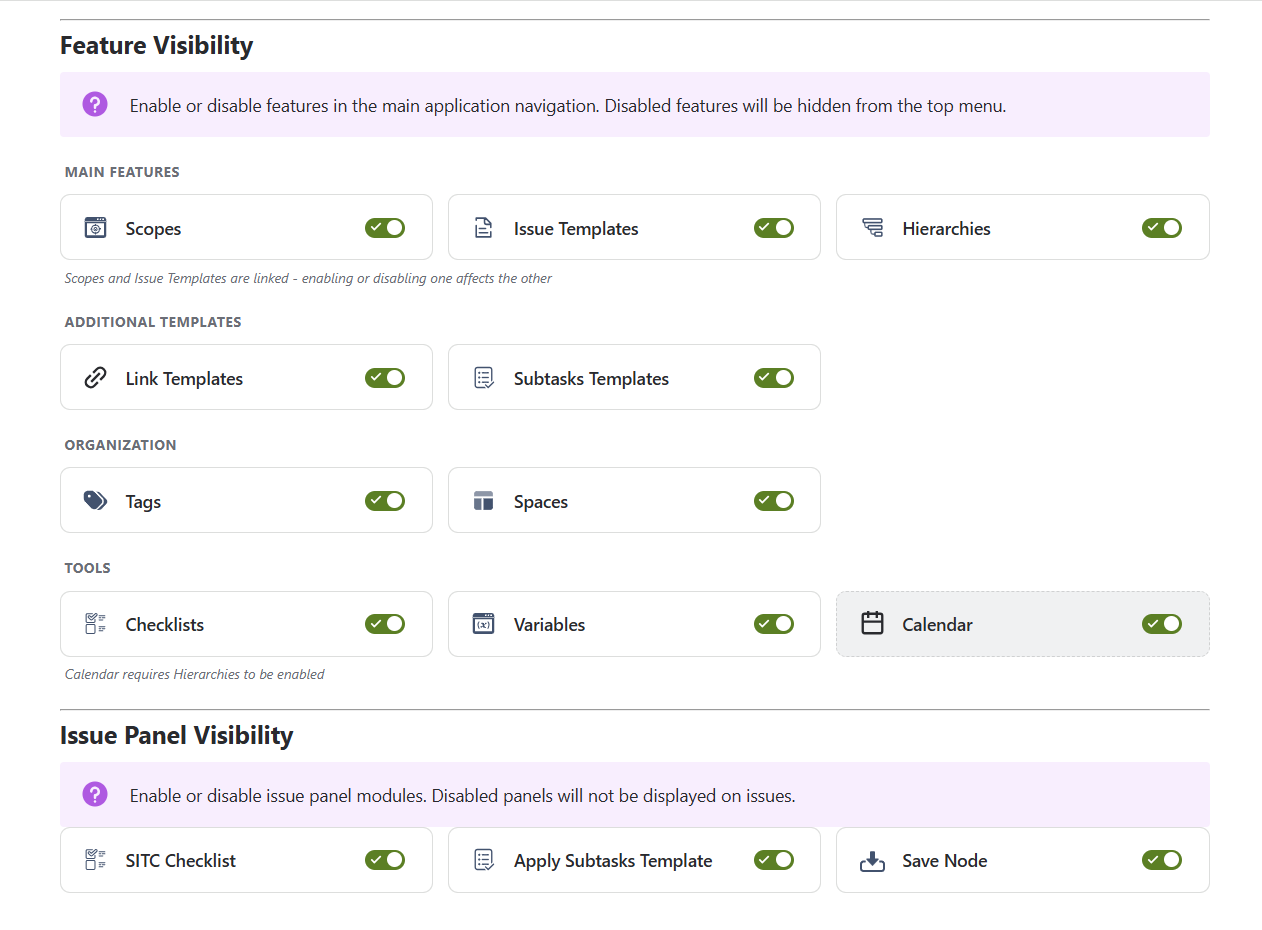
New Feature Visibility Controls
What’s New?
Declutter your workspace - show only the modules your team actually uses.
-
Toggle modules on/off - Issue Templates, Hierarchies, Scopes, Tags, Spaces, Checklists, Variables, Calendar, Link Templates, Subtasks Templates
-
3 issue panel toggles - SITC Checklist, Apply Subtasks Template, Save Node
-
Smart dependencies - linked features stay in sync automatically (e.g., Scopes ↔ Issue Templates)
-
Instant updates - changes reflect across tabs without refresh
IMPROVED Licensing & Subscription Management
What’s improved?
Know your status at a glance - subscription visibility built right into the app.
-
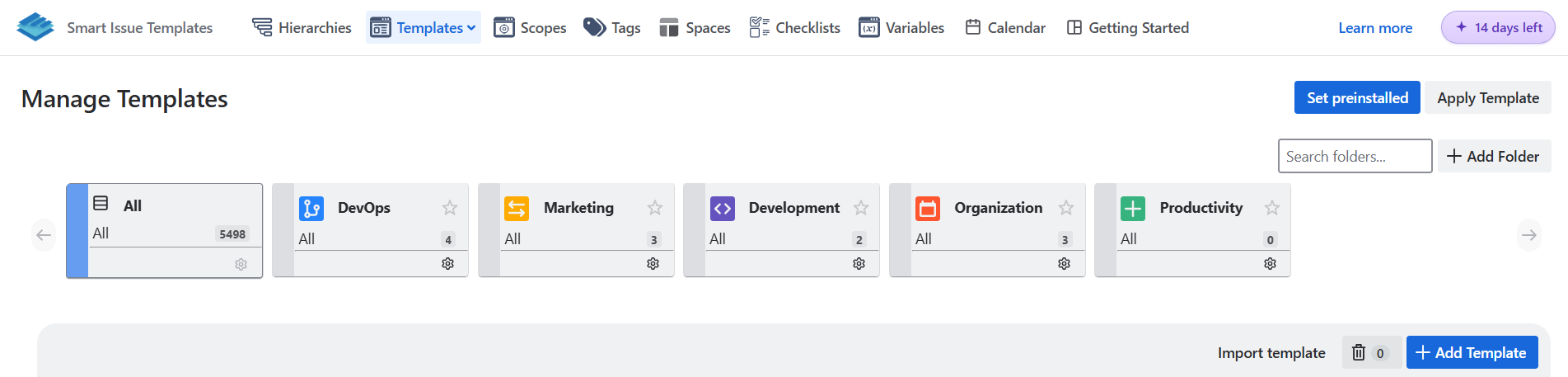
Countdown pill - appears in the header during your final 14 days
-
License dashboard - full subscription details in Settings (dates, days remaining, billing type)

-
Live sync - status updates instantly across all tabs
fixed Resolved issues where deleted templates could linger in lists.
fixed UI Polish & Reliability
-
Space colors - light palette colors display correctly
-
Labels field - no more blank modals when selecting Labels in Apply Template
-
Icon refresh - migrated to latest
Atlaskiticon set -
Apply Template flow - success message and page reload now work reliably