.png)
The Template visibility on the Manage Templates page depends on several conditions.
-
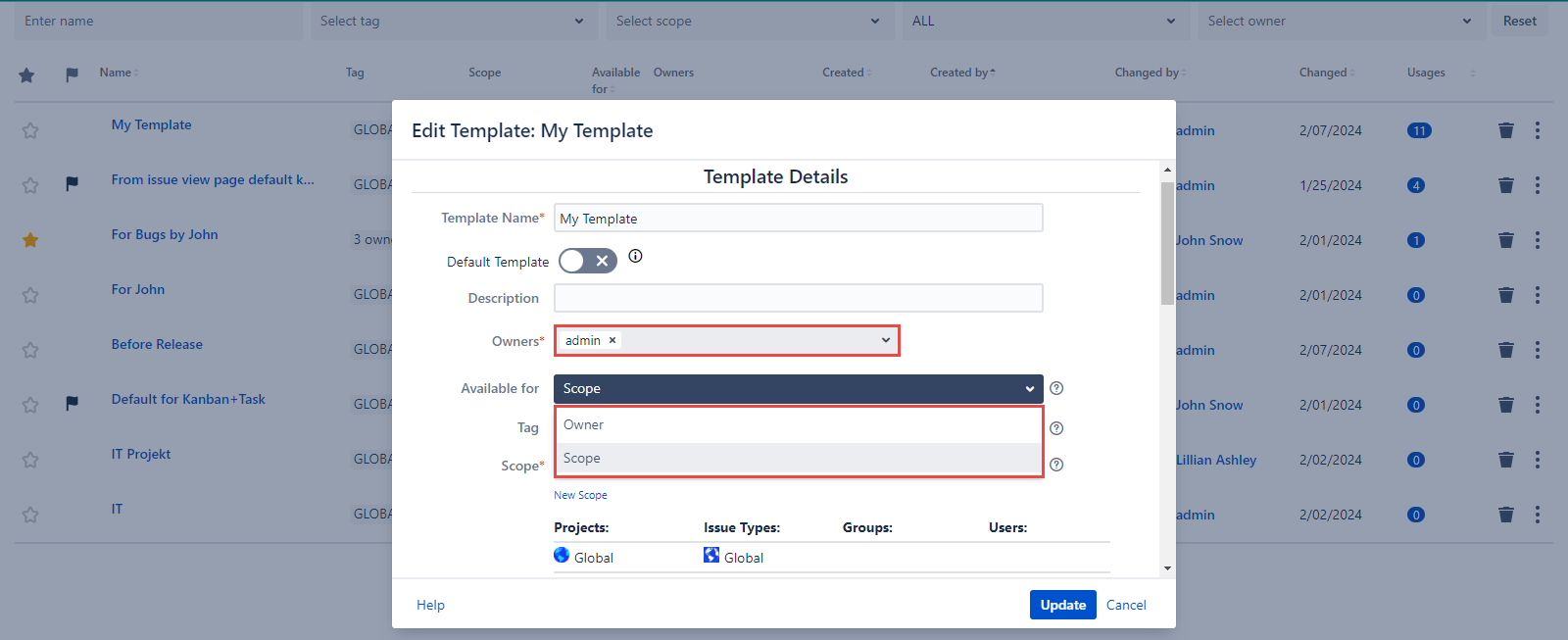
Owners of the Templates
-
Available for field value: Owner or Scope
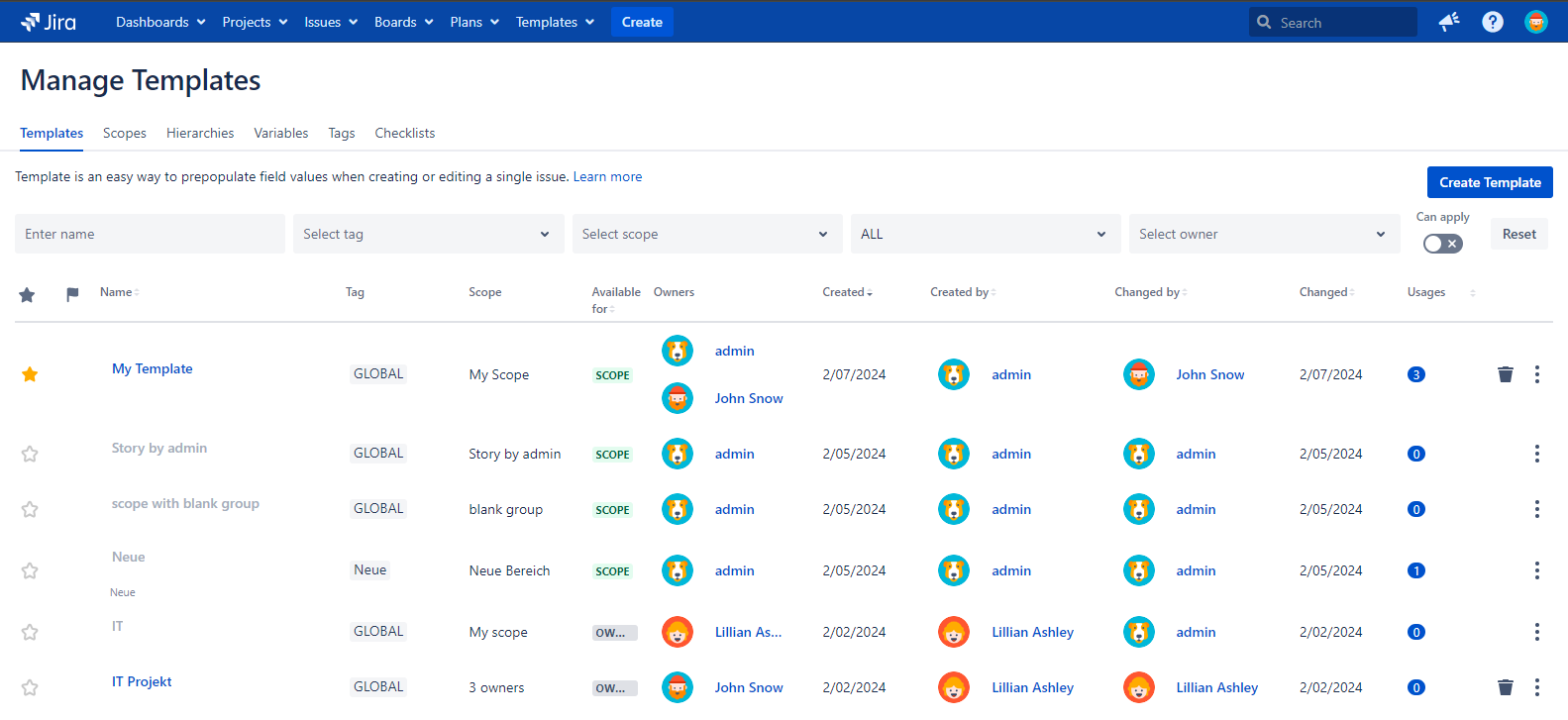
The values selected in the Projects and Issue Types fields of the Scope don’t affect the Templates visibility on the Manage Templates page.
For example:
Let’s view some of these cases separately and use John Snow who is a member of the jira-software-users group as an example.
-
The ‘View all templates’ permission is granted to John Snow → all Templates are visible for John Snow.
-
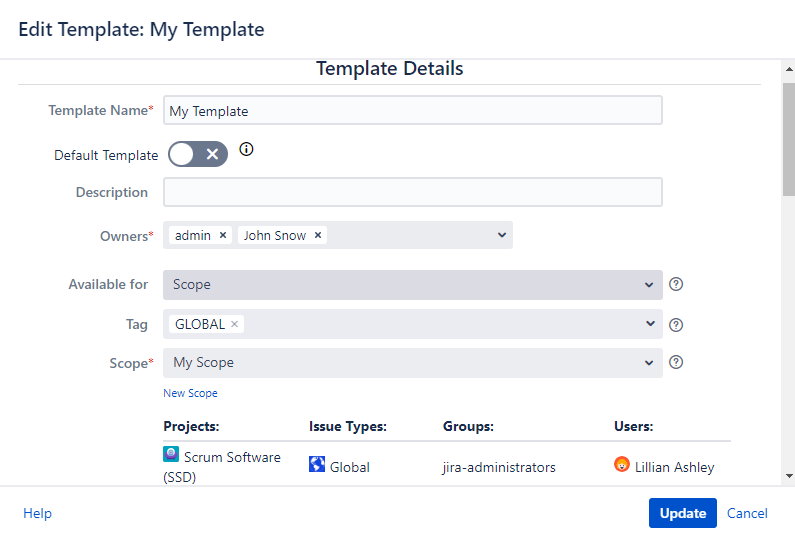
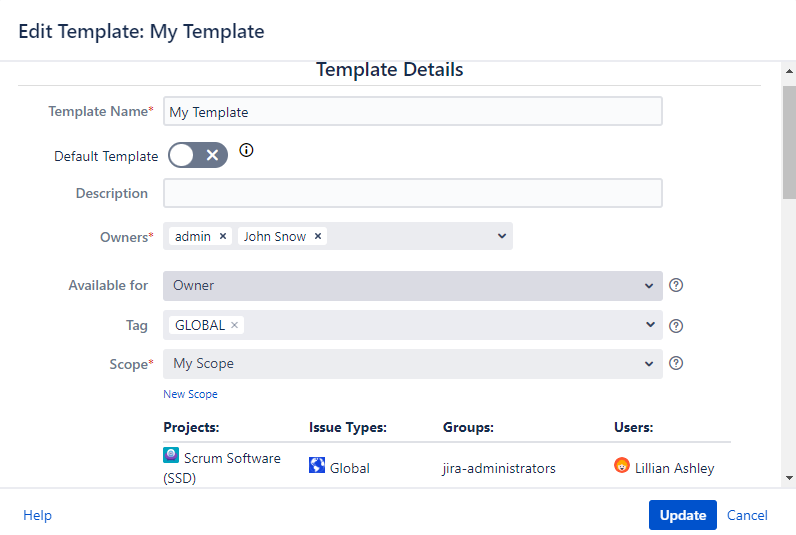
John Snow’s username is added to the Owners field of the My Template even if the Scope values differ.
→ visible for admin and John Snow as the Template Owners, members of jira-administrators group and Lillian Ashley
-
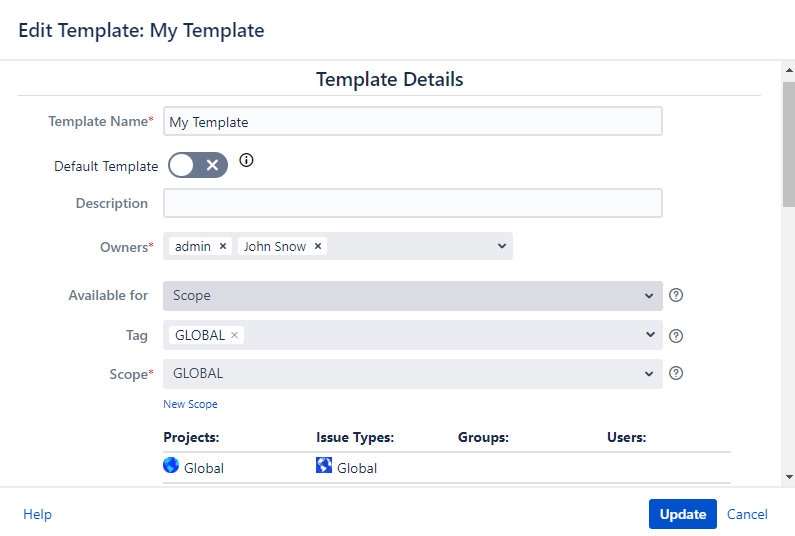
The GLOBAL scope is selected for the My Template Template and John Snow is one of the Template owners. The following Template is available for Scope. → Visible for all users
-
The GLOBAL scope is selected for the My Template Template and John Snow is one of the Template owners. The following Template is available for Owner. → visible for admin and John Snow as owners.
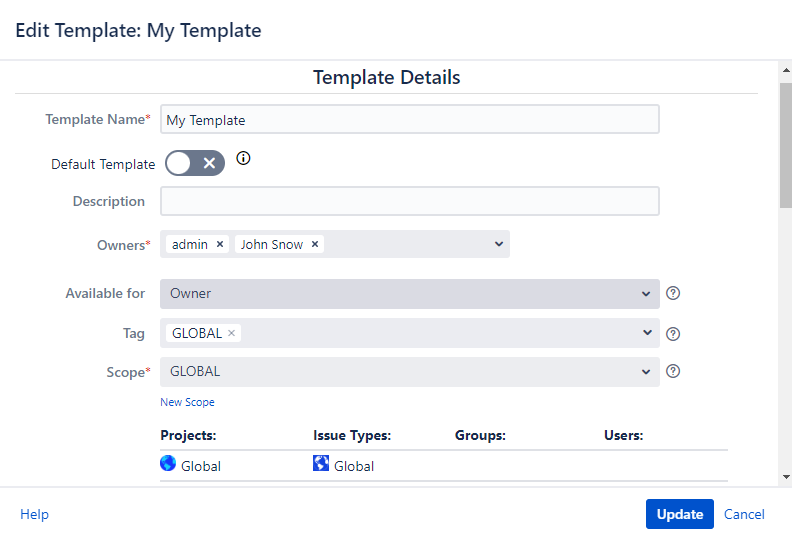
-
Admin is set as Template owner and the Scope is set for the group which member John Snow is→ visible for John Snow being the member of the jira-software-users group
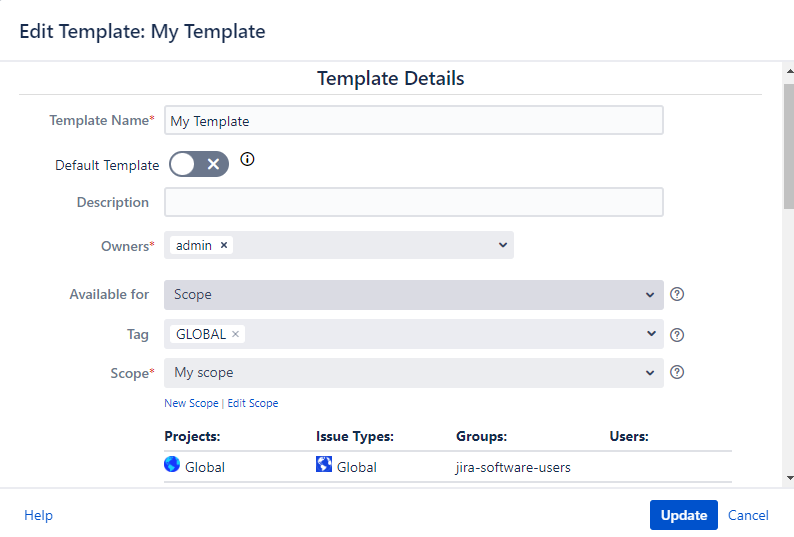
-
Admin is set as Template owner and the Scope is set for John Snow as user→ visible for John Snow being the Scope user due to the Scope restriction.
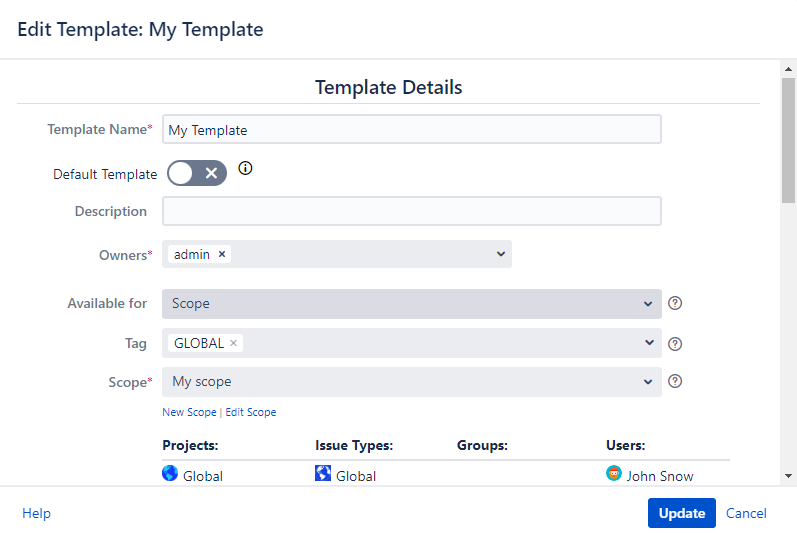
-
The Owner value is selected in the Available for field of the Template even if the Scope restrictions differ. → visible for John Snow as Template owner
For any questions or feature requests contact us via the Customer Portal
Or drop us an email at support@appsdelivered.atlassian.net. If you are using this option, please check your junk folder regularly, as our reply can be placed there by your email service.
Before submitting a bug report or support ticket, please update to the latest version of the add-on.
Please add information about the version of Jira and the add-on.