.png)
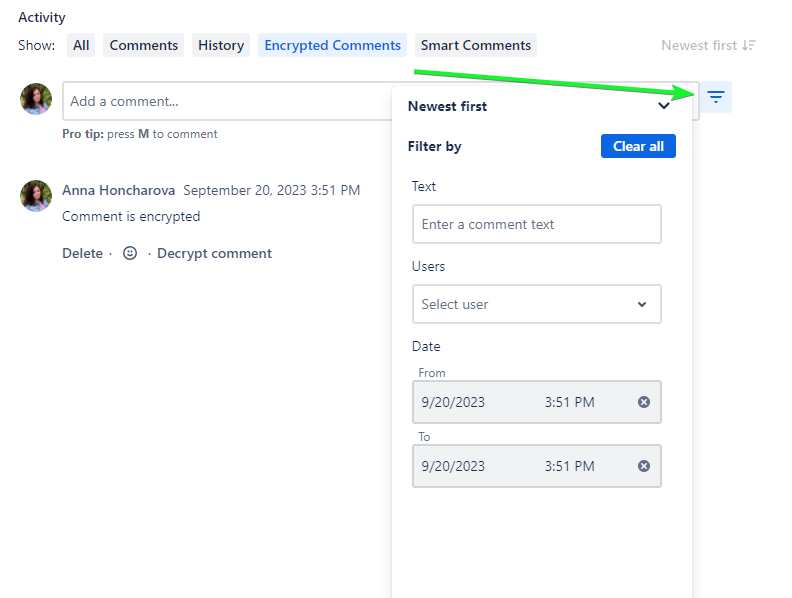
To open the ‘Sort and Filter’ action menu you should click the action button right to the ‘Add a comment’ field:
Sorting Comments
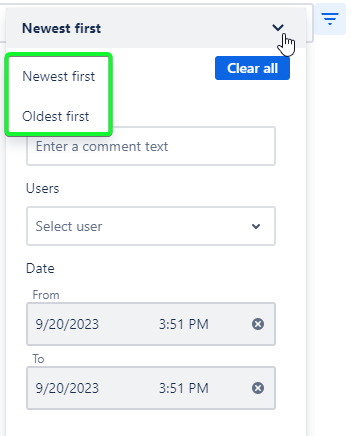
There are a few available options for your Encrypted Comments sorting:
by Newest First - the newest created comments will be placed at the top
by Oldest First - the oldest created comments will be placed at the top (is set by default)
Filtering Comments
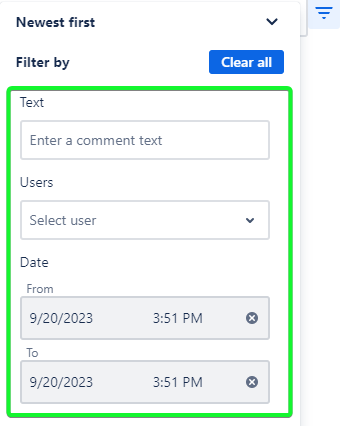
There are three options to search for the comments you need:
by text - search comments by the content: words, parts of words, and phrases.
Filtering by text available only for comment which is not encrypted
by date - search comments by the creation time interval
by users - search comments by the comment author
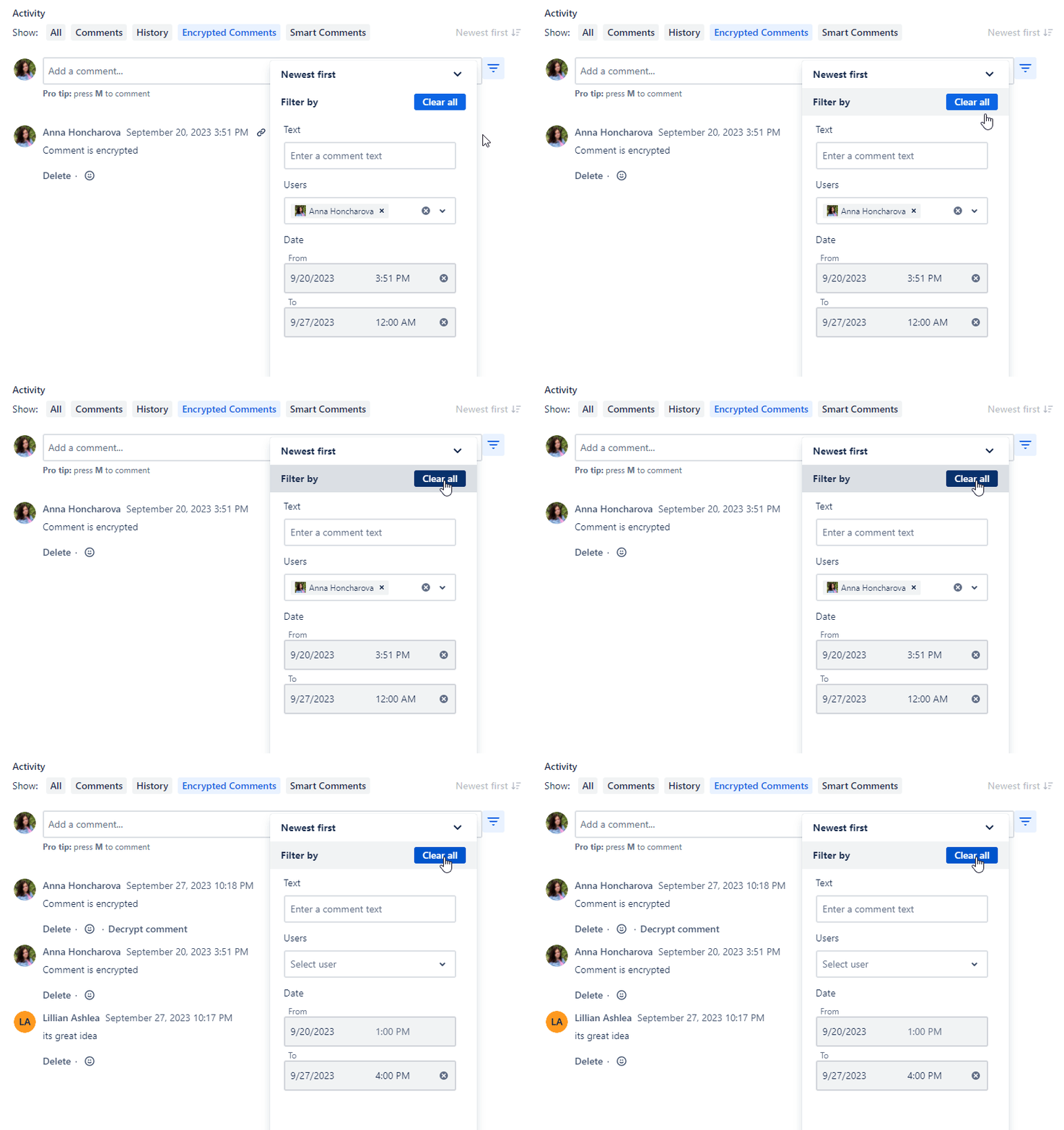
Combine a few filtering parameterr with sorting to get the best results.
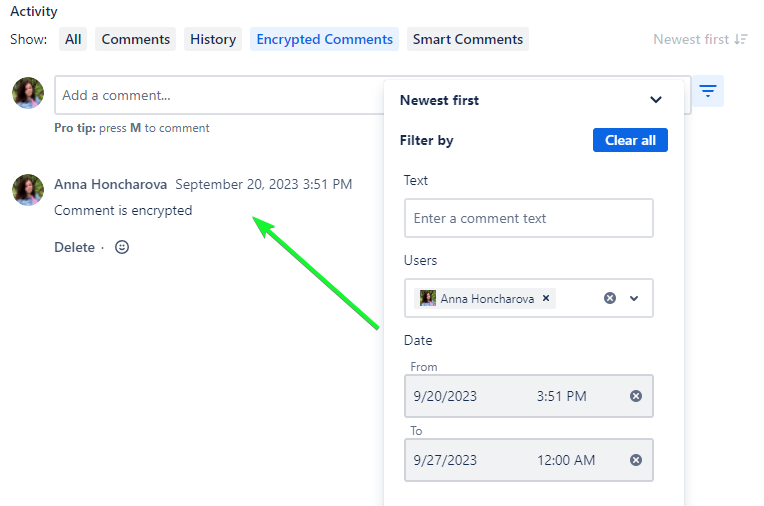
To clear all search parameters click the ‘Clea All’ button in the ‘Sort and Filter’ action menu